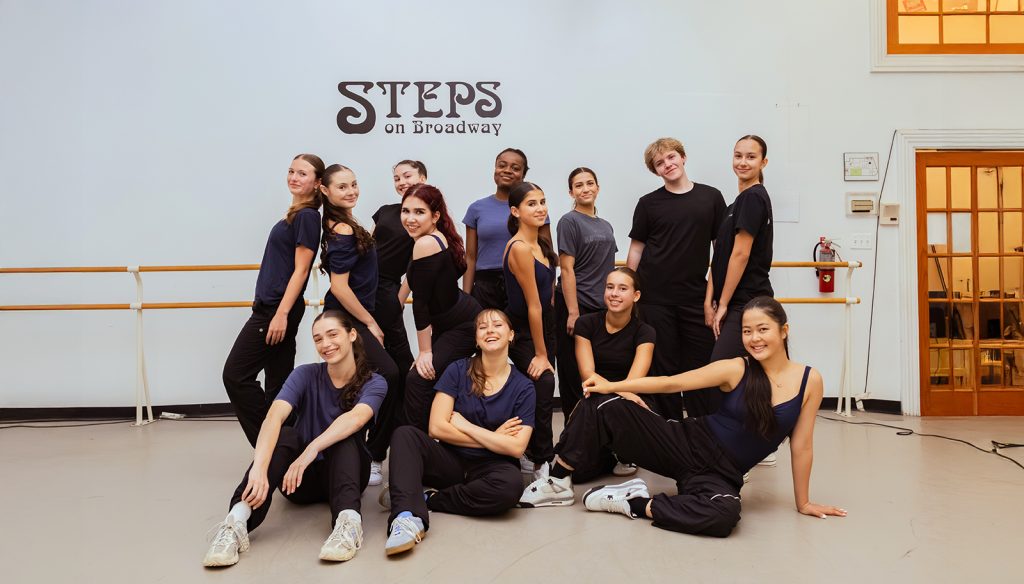
Registration
Find registration information for all our programs here. Registration is not considered final until payment has been processed.
Registration Instructions
- Visit app.gostudiopro.com/online/stepsacademy
- Click “Create Account” or Log-In if you are returning
- From your account home page, click the “Register” button on the home page, then click “Classes” from the dropdown
- Select the tab of your program
- First Steps (Ages 2-6)
- Youth Division (Ages 7-18)
- Adaptive Dance (Ages 9-17)
- Comprehensive (Audition Only, See Info Here)
- Select Study (Audition Only, See Info Here)
- Summer Intensive (Audition Only, See Info Here)
- Special Events (All Other Workshops)
- Select the class(es) you wish to enroll in, then press “Submit”
- New Families (Academic Year) will need to input credit card information or banking information to “Set Up AutoPay”
– AutoPay is just to save a card on file; we will never charge your card without permission. This is required to be a student at Steps Academy.
- New Families (Academic Year) will need to input credit card information or banking information to “Set Up AutoPay”
- Click “Finish Registration Now” and complete/sign all waivers (must be completed by parent or guardian age 18+)
- Our Tuition & Fees page features our Payment Plan Request and Financial Aid forms.
- If you are requesting a payment plan or financial aid, do not submit payment at this time.
- Complete payment and you will receive a confirmation email with all the information necessary for class here at Steps Academy